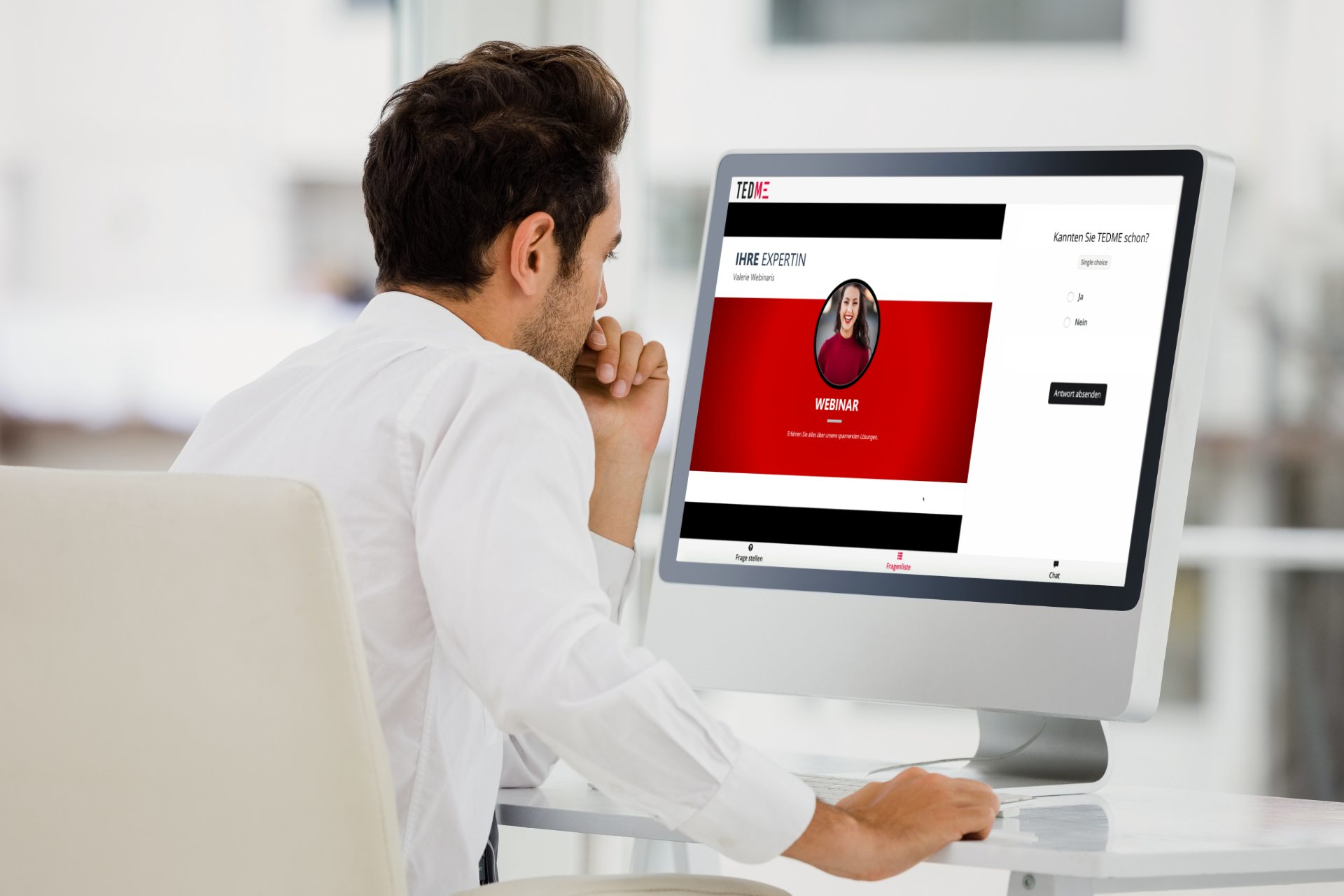
What may seem very simple for some is a real challenge for others: operating several tools or browser tabs at the same time. We are thinking of your event participants on the one hand and you as the organiser or your speakers on the other. The fewer tools they need to download or have open at the same time, the better. This is exactly why you can realise online events with TEDME surveys, knowledge games or Q&A rounds in one tool. Quite simply and with just a few clicks.
So geht’s: Online-Events in einem einzigen Browser-Tab
In just 3 steps you can transform the TEMDE solution from a voting or interaction tool into a complete online event:
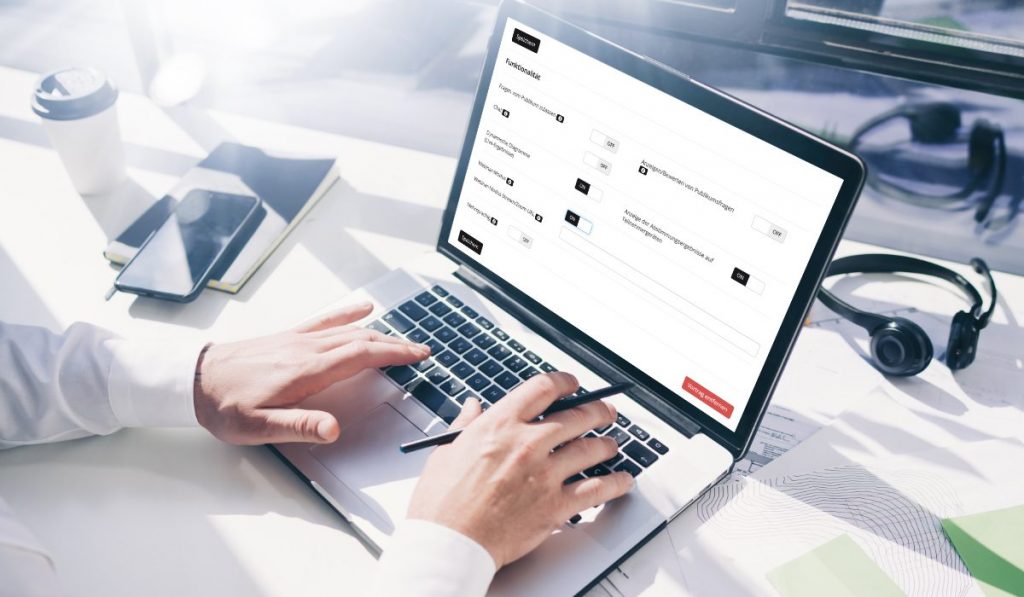
- Stellen Sie im TEDME-Backend den Schieberegler von „Folienvortrag“ auf „Webinar“ und tagen Sie dort die URL Ihres Livestreams ein.
- Adapt the colours of the environment to your CI and upload your own logo.
- Upload the data of your online event participants to TEDME.
Done.
Your event website or landing page is already created and ready for use.
Your participants can now be added via tedme.com invite them. Simply send them the link to our website and the code for the event room. Anyone who logs in to your online event will immediately be on the platform that contains the TEDME voting solution or the knowledge games as well as all other data that you have uploaded here and thus made available to everyone.
Online meetings in a single tab
Instead of a livestream, you can also use the meeting URL of a video conferencing solution such as Zoom, and soon Webex or BigBlueButton integrate. This is particularly suitable if you want to exchange ideas in a smaller group and see as many faces as possible live. With a single click, you can transform the TEDME interaction solution into an online meeting platform.
Interactions during the live stream or online meeting
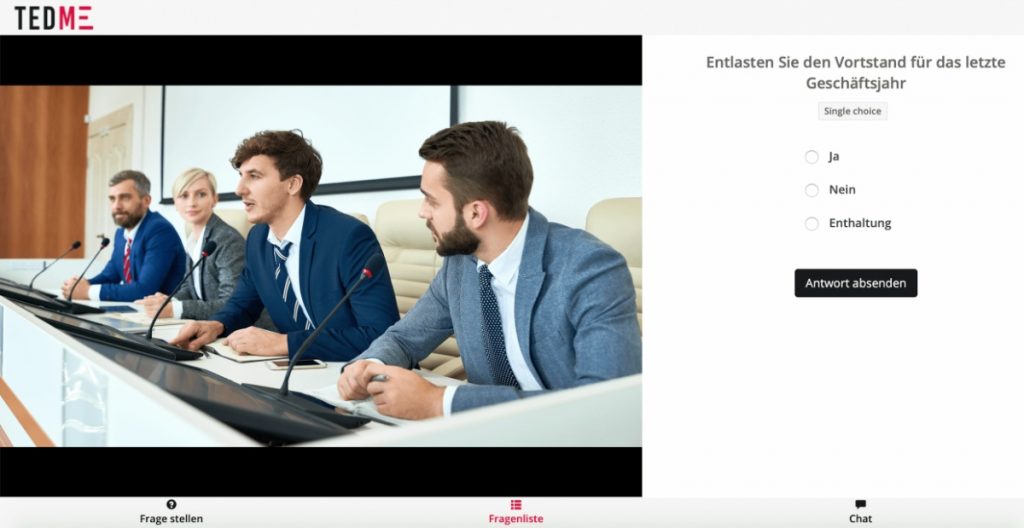
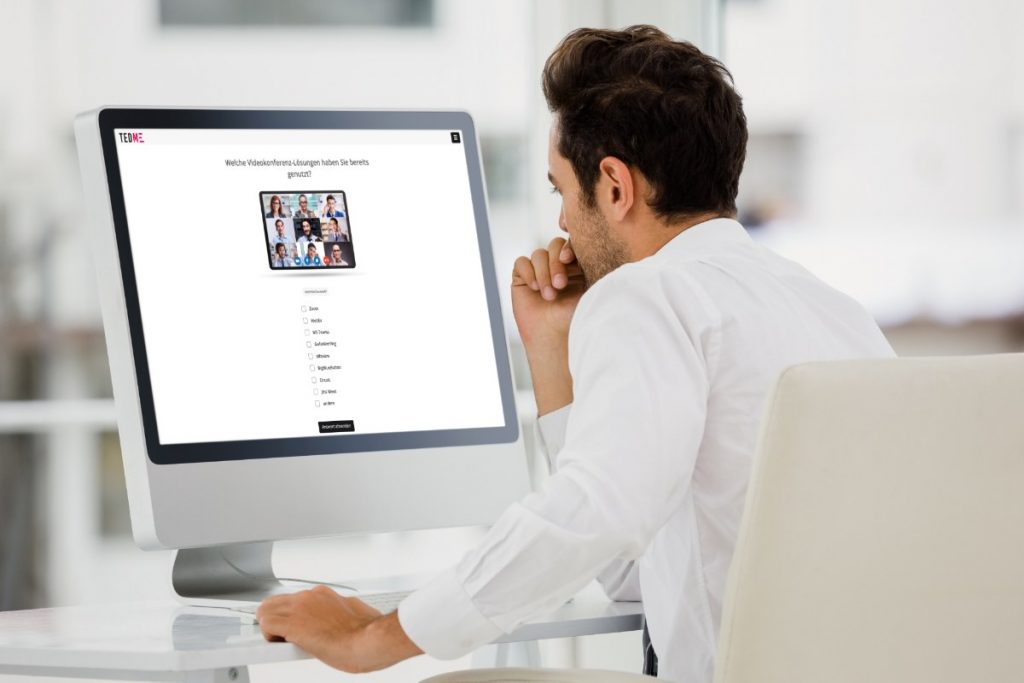
If you start a vote or other interaction during your online event or meeting, the stream or video meeting on the left-hand side of the screen automatically shrinks to around 70 per cent and the question appears on the right-hand side. This means that everyone can vote and still follow the stream or meeting at the same time.
Sie möchten Teilnehmer bei Ihrem Online-Event von einer Abstimmung oder Wahl ausschließen? Auch das ist mit TEDME sehr einfach lösbar. Geben Sie in diesem Falle im Modul „TEDME-Auth“ bei diesen Teilnehmern Stimmrechtsanteile von Null, also „0“, ein und schon wählen und stimmen nur die berechtigten Personen ab.
Advantages of an online event in a single tool
The integration of a stream or an online meeting into TEDME's interactive solutions is beneficial for everyone involved.
Advantages for you as an organiser
Sie als Organisator versenden nur einen einzigen Link und zwar den zu tedme.com und das dazugehörige Passwort, also die Nummer für Ihren Veranstaltungsraum. Das war’s.
Advantages for your participants
Finally experience and do everything in a single browser tab. Nobody gets confused any more, nobody gets lost in other tools or can't get in because they can't download and install anything.
Advantages for presenters
The fewer tools they have to use at the same time, the happier those who give presentations or start voting and Q&A sessions will be.
Alternatively, you as the organiser can of course also take control of the questions, votes or polls. What remains for most people, however, is the joy of how easy it all is now.
Conclusion
Thanks to TEDME, you can conduct the stream or online meeting in the very browser tab in which the voting, surveys or polls are already running. This is a real advantage, especially for smaller events and for those with people who hardly want to or are not allowed to download anything. Nobody switches back and forth, nobody gets lost. Everyone can concentrate on the content of the online event - you, the participants and your speakers.
If you also want to organise your online events in a single tool, contact us today.