TEDME is known as an interaction and voting tool for live and online events. We are the German classic and can essentially do what you may have previously known from slido or mentimeter. But did you know that with TEDME you can also Surveys can create? Very quickly and very easily - in this article you will find out what is possible and what it can look like.
Which surveys you can implement particularly well with TEDME
In addition to the features for voting, quizzes, legally compliant online elections and much more, you can also conduct classic surveys with TEDME.
Das ist besonders dann interessant, wenn Sie oder Ihre Kollegen schnell und einfach Umfragen erstellen und durchführen wollen. Kurzum: Wenn Sie nicht erst ein Studium auf dem Gebiet der Marktforschung absolvieren wollen oder sich in andere komplexe Umfragetools einarbeiten wollen. Der „normale Anwender“ in vielen Büros ist genau der- oder diejenige, für den oder die TEDME hervorragend geeignet ist und zahlreiche Optionen bietet. Ganz einfach. Ohne HTML- oder Studienwissen.
Übrigens: Hätten Sie gedacht, dass in den Unternehmen unserer Kunden deutlich mehr Umfragen durchgeführt werden als in der Zeit vor TEDME? Vielleicht, weil’s so super einfach ist und schnell geht.
Long-term surveys in the company
Sometimes you want and need to run a survey over a longer period of time. For example, you can ask how satisfied your employees or colleagues are or how satisfied your customers are. You can also use long-term surveys to optimise processes or for elections and votes in your organisation.
? More about Long-term survey questionnaires
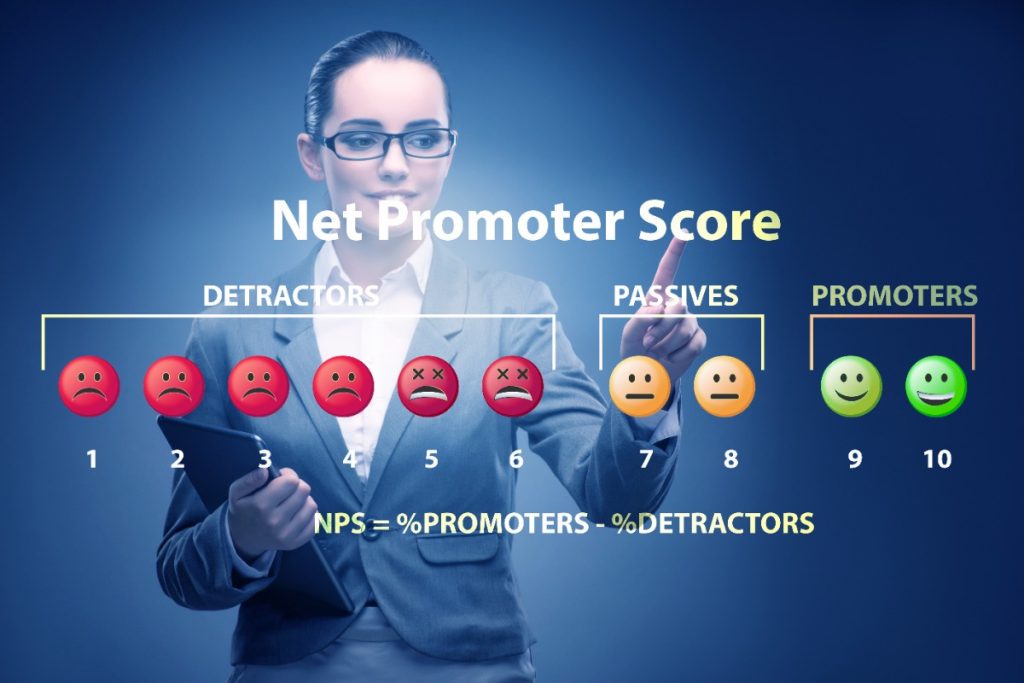
You decide what the survey should look like. Do you need a classic feedback form or do you want to find out the Net Promoter Score (NPS)? You can even use TEDME to analyse the respective NPS results over a longer period of time in a comparative and aggregated manner with a special evaluation.
? More about Der Net-Promoter-Score im Zeitverlauf – So geht’s mit TEDME
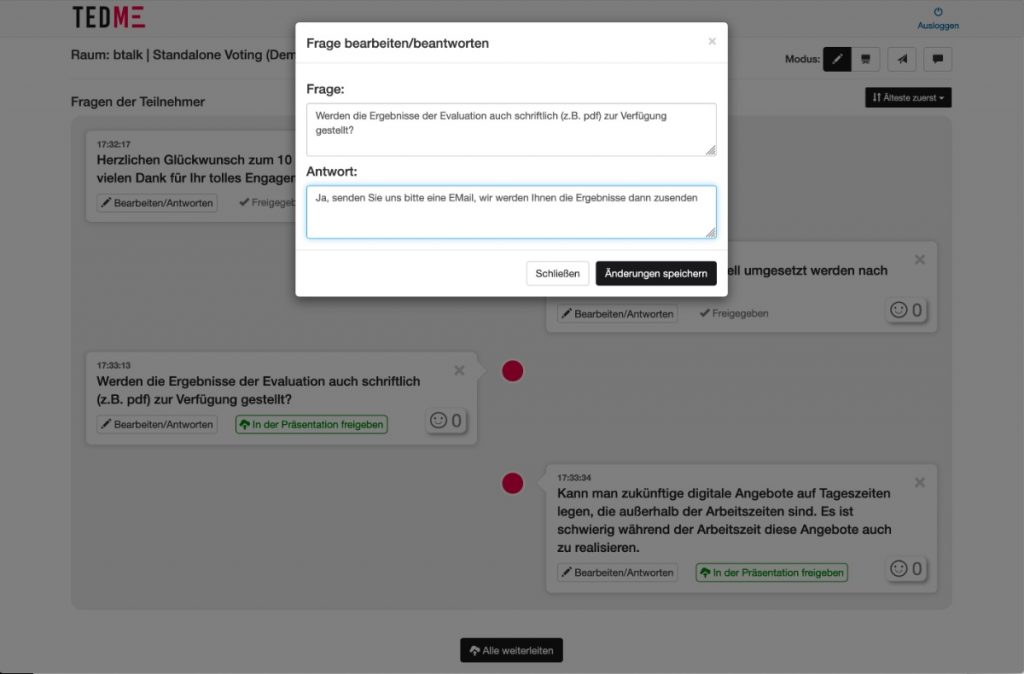
Survey before the works meeting via the TEDME Q&A function
Do you want to know which topics are really on your employees' minds? Then use TEDME's Q&A function to identify the really relevant topics in preparation for an event. You can also edit them there and then have them weighted by your employees. This puts on the agenda what really matters in your company.
? How to plan and evaluate topics for your next meeting
Participant management via survey tool
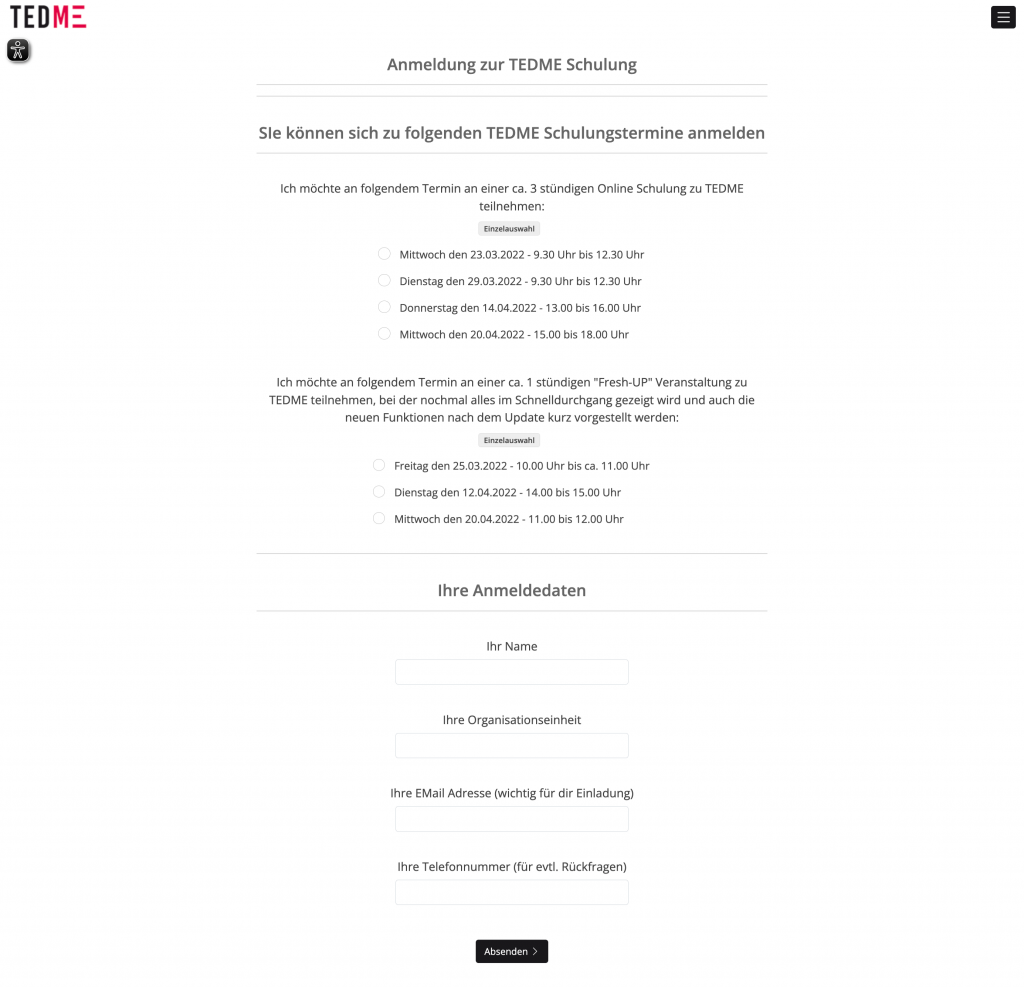
Kennen Sie das? Die nächste Schulung, die nächste Fortbildungsreihe oder das nächste Erste-Hilfe-Seminar stehen an und Sie wollen den Überblick behalten, wer wann woran teilnimmt? Sie könnten sich jetzt eine Exceltabelle bauen oder ein komplexes und recht kostenintensives Tool für die Teilnehmerregistrierung nutzen. Oder Sie nehmen TEDME und die hier integrierte Funktion „Umfrage“ und setzen Sie so auf, dass Sie die Teilnahmen ganz leicht erfragen und verwalten können.
? Event registrations - easy to implement with TEDME
Surveys after events - participant feedback counts
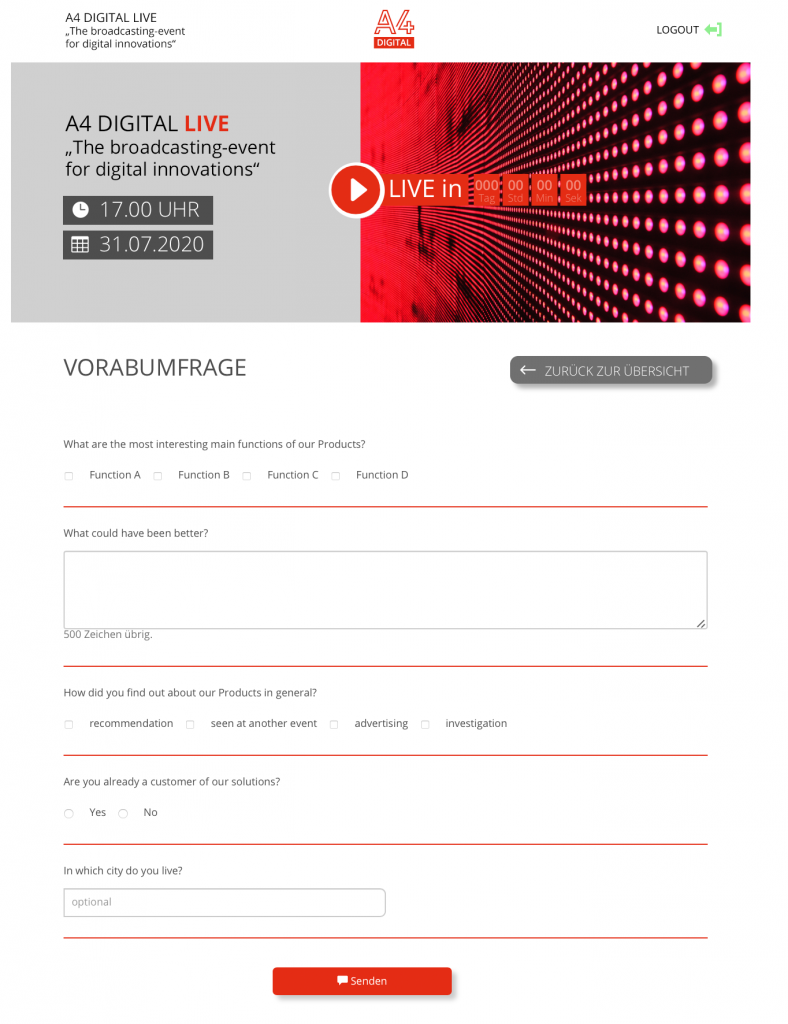
Nach dem Event ist vor dem Event. Damit Sie wissen, ob Ihr Event auch für Ihre Teilnehmer ein voller Erfolg war, brauchen Sie unbedingt deren Feedback. Sehen Sie es als wertvolle Chance, Ihr Event stets zu verbessern. Manches bekommt man als Veranstalter schlichtweg nicht mit. Umso besser, dass Sie nachfragen können. Mit TEDME geht das ganz einfach. Und da der Umfragebogen von TEDME digital ist, können Sie ihn bereits während des Events „verteilen“, nach dem Event versenden und auch in Reminder einfließen lassen. So steigern Sie die Feedbackquote und stellen sicher, dass Sie (fast) überall Resonanz eingesammelt haben.
? More about the Feedback form from TEDME
Share the results of surveys with others
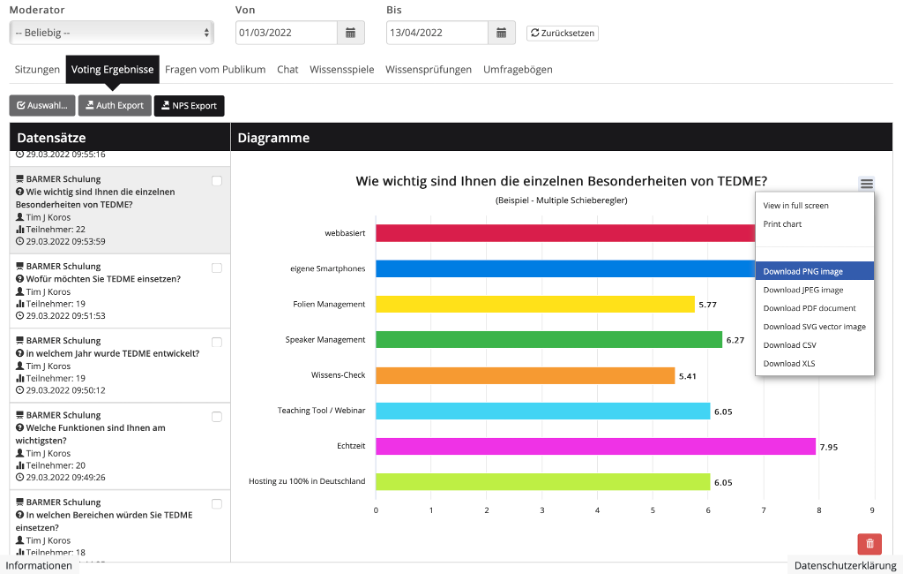
What use is the best survey if you can't share or process the results? Exactly. This is exactly why you can export the results of surveys with TEDME, for example as xls, csv, png, jpg, pdf, svg or vector image. You receive the results of elections as an authenticated PDF report and the net promoter scores are also available as a separate PDF export.
For whom surveys with TEDME are particularly suitable
For the quick readers among you.
TEDME is particularly suitable for surveys that
- quickly and easily,
- can do without functional depth and dependencies in the form,
- that are to be carried out in full compliance with the GDPR. Both in terms of data storage and what happens to the results.
Conclusion
Easy to use, quick to create and fully GDPR-compliant: surveys with TEDME. No matter whether you want to conduct surveys over a longer period of time, determine the Net Promoter Score or collect feedback on the last event. Surveys with TEDME are created quickly, carried out cleanly and processed further.